Your Guide to Frog & PLCs
Level Up Your Learning and Revision
Welcome to Frog, Your Learning Hub
Frog is your go-to platform for all the resources you need to succeed. It's available anytime, anywhere. This guide will show you how to use it like a pro to smash your revision goals.
PLCs Explained: Your Success Checklist
A PLC (Personalised Learning Checklist) is your secret weapon for GCSEs. It lists every skill you need to master.
Each topic is RAG-rated so you know exactly where to focus your energy:

Focus on the RED topics first. Revise smarter, not harder!
Finding the Learning Modules on Frog
Step 1: Log In
Head to our Frog platform at https://frog.frederickgoughschool.co.uk and click the Frog link. Use your login details to get in.
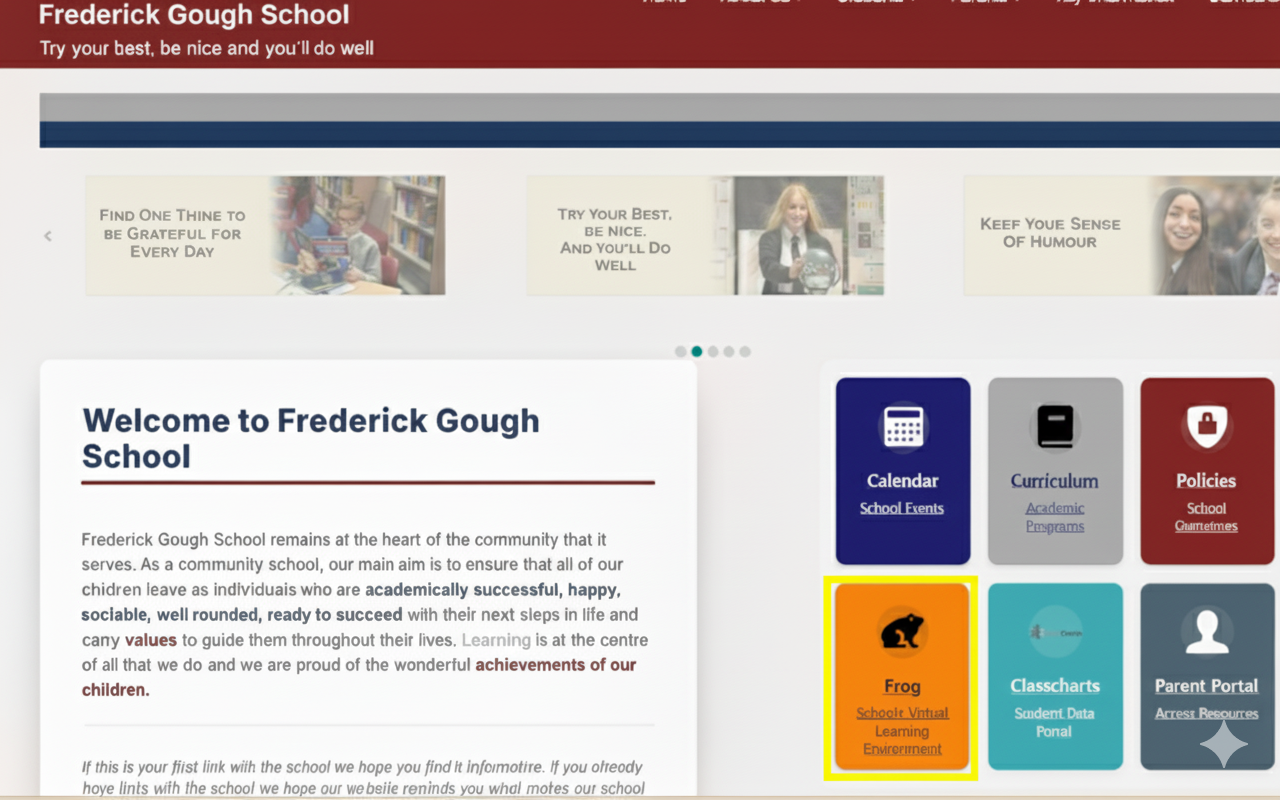
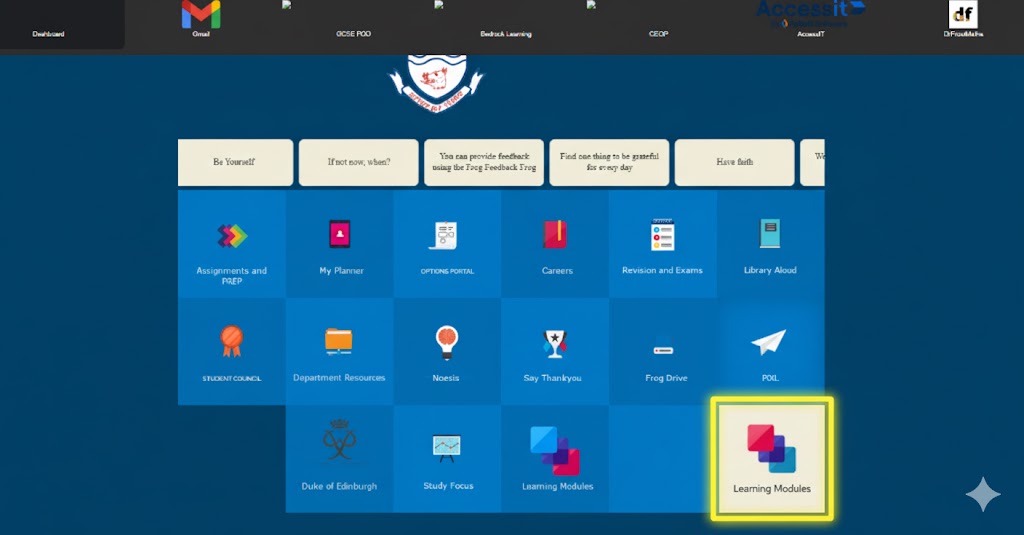
Step 2: Find Learning Modules
Once you're logged in, scroll down and click the "Learning Modules" button. This is your gateway to revision resources!
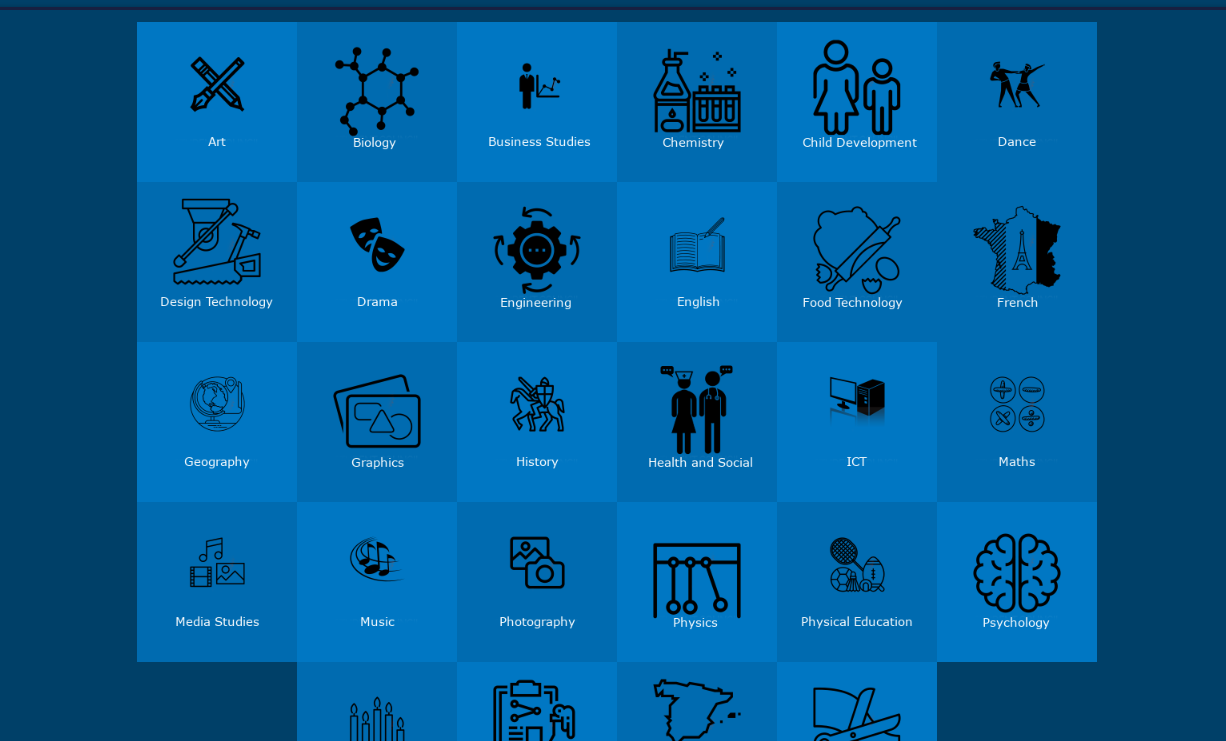
Step 3: Choose Your Subject
You'll see all your KS4 subjects. Click one to see all the topics and resources created by your teachers.
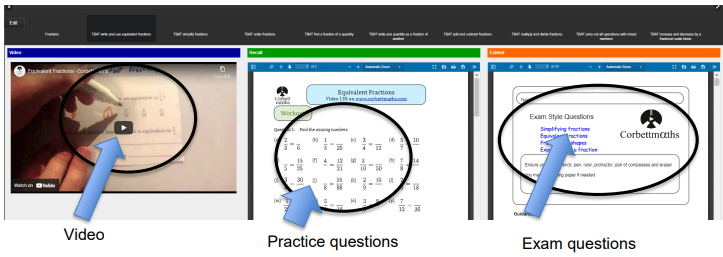
Step 4: Dive In!
Inside each topic, you'll find videos, practice questions, and exam-style challenges to get you ready.
When Should I Use the Modules?
- When you get feedback from a test and need to improve on specific topics.
- When your teacher tells you to work on a particular skill.
- Any time you're revising for mocks or your final GCSEs.
- To get a head start on what you'll be learning next in the curriculum.